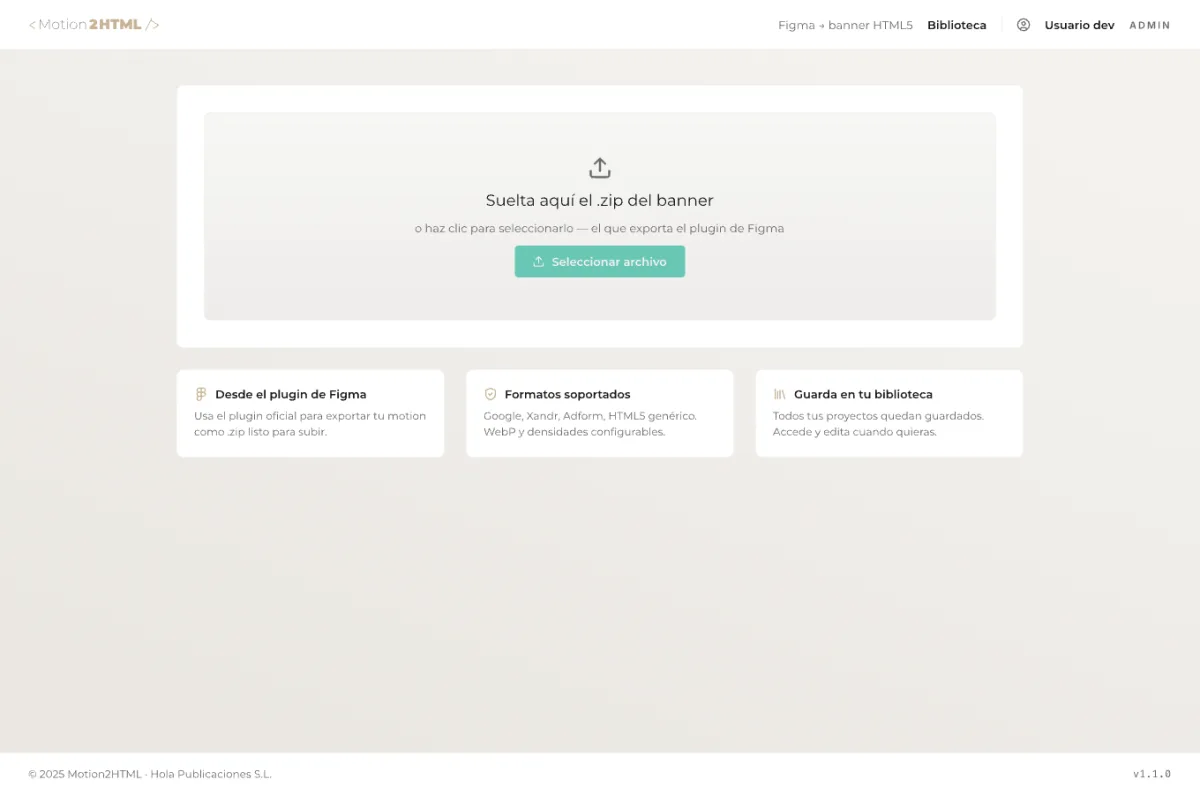
Step 01
Send your design
The plugin sends your design straight to the web platform. Formats, layers and keyframes are detected automatically.
Live demo
From an animated Figma frame to an ad-server-ready HTML5 bundle. We walk you through the whole flow, step by step, and show why it beats doing it by hand.
The flow, step by step
The plugin sends your design straight to the web platform. Formats, layers and keyframes are detected automatically.
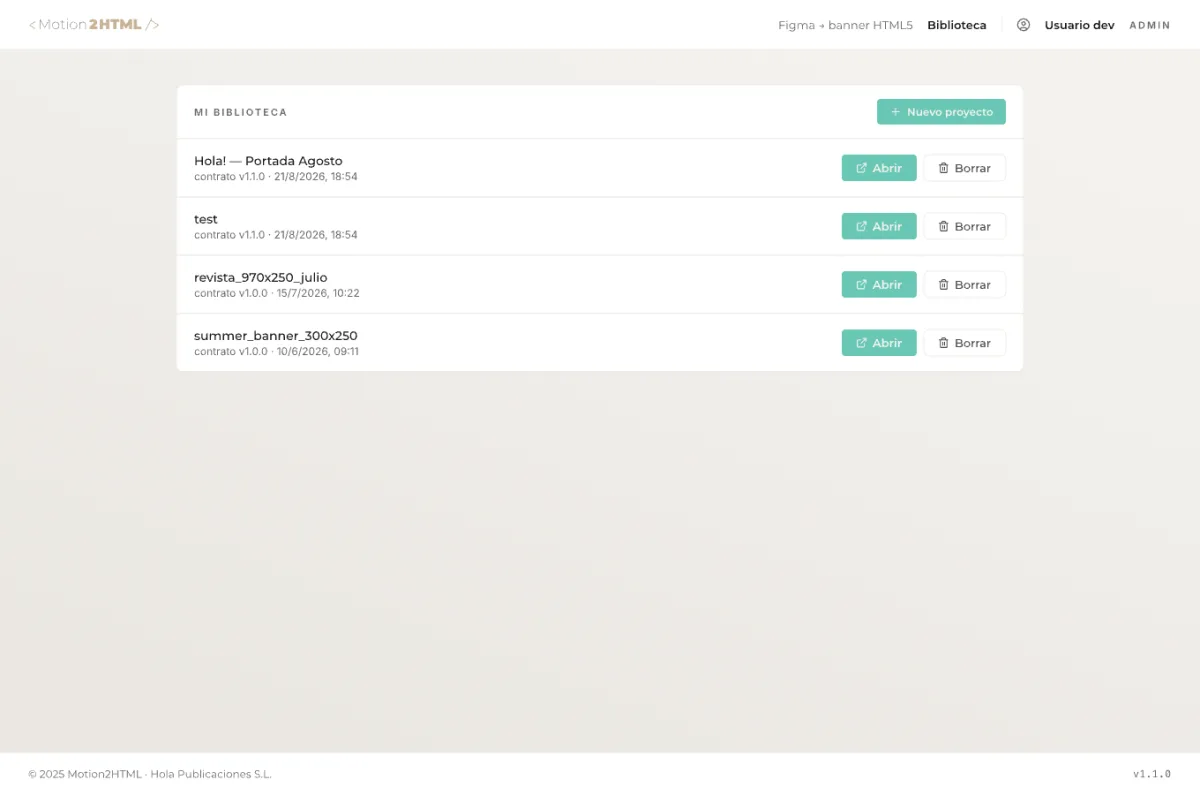
Manage all your campaigns and variants in one place, with a live preview of every banner.
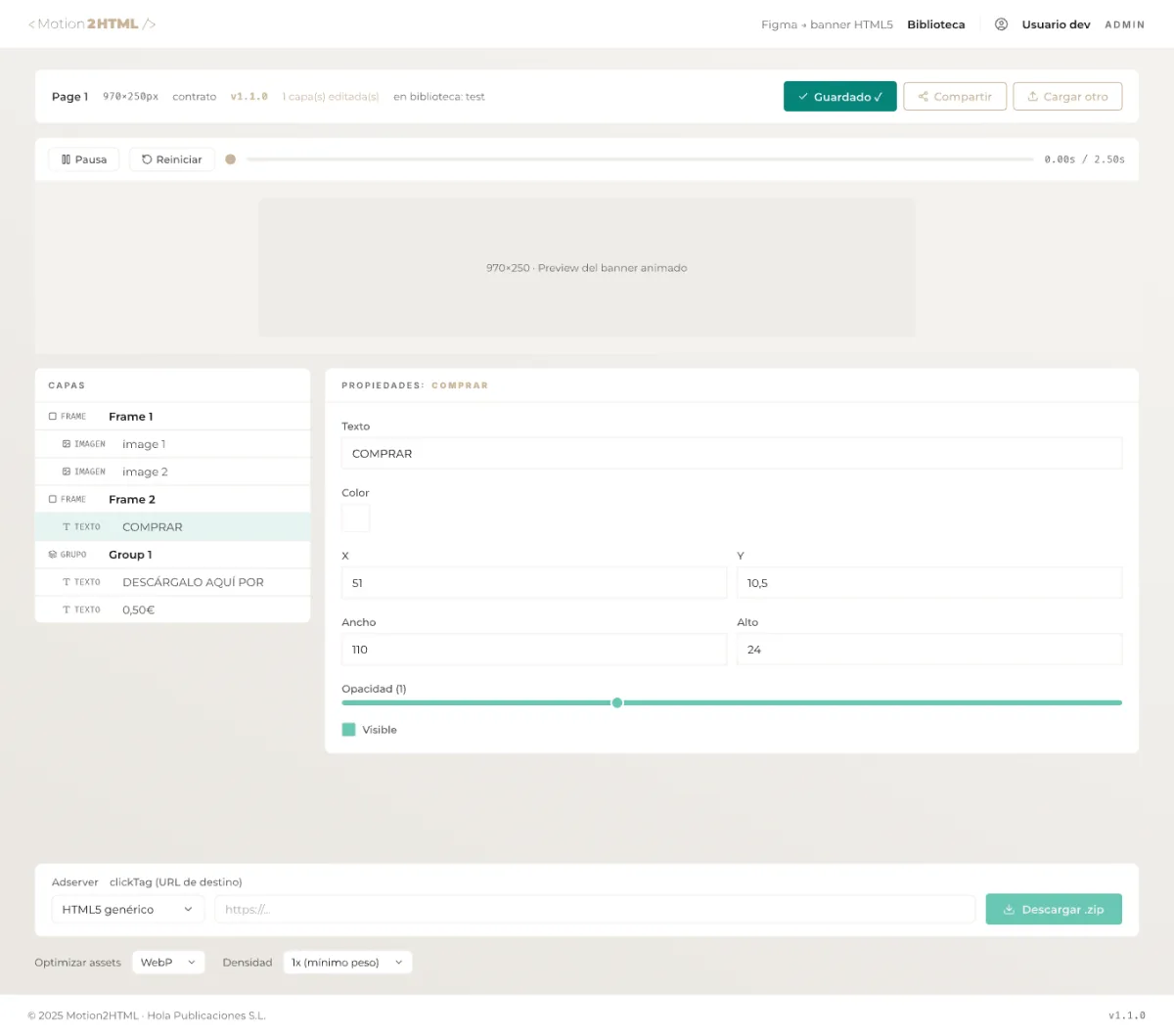
Adjust timing, easing and clickTag in the visual editor. Without touching a line of code.
Download an optimized .zip with HTML5, WebP/AVIF assets and the manifest for the ad server of your choice.
Why Motion2HTML
Every image is recompressed to the lightest format with no visible quality loss. Bundles up to 60% smaller.
Export with the right manifest for Google Ads, Xandr, Adform and more, with no reconfiguration.
Click tracking is injected and validated for you. Zero integration errors in the ad server.
Check the real animation in the browser before exporting, with play and timeline controls.
A single .zip with HTML5, assets and settings. Upload it as-is to the ad platform.
The whole flow is visual, from Figma to export. Designers work on their own, without waiting on dev.
Start today
Install the free plugin, upload your first design and publish an optimized HTML5 banner in minutes.